By Lars Lindqvist • Updated September 28, 2026 • 10 min read
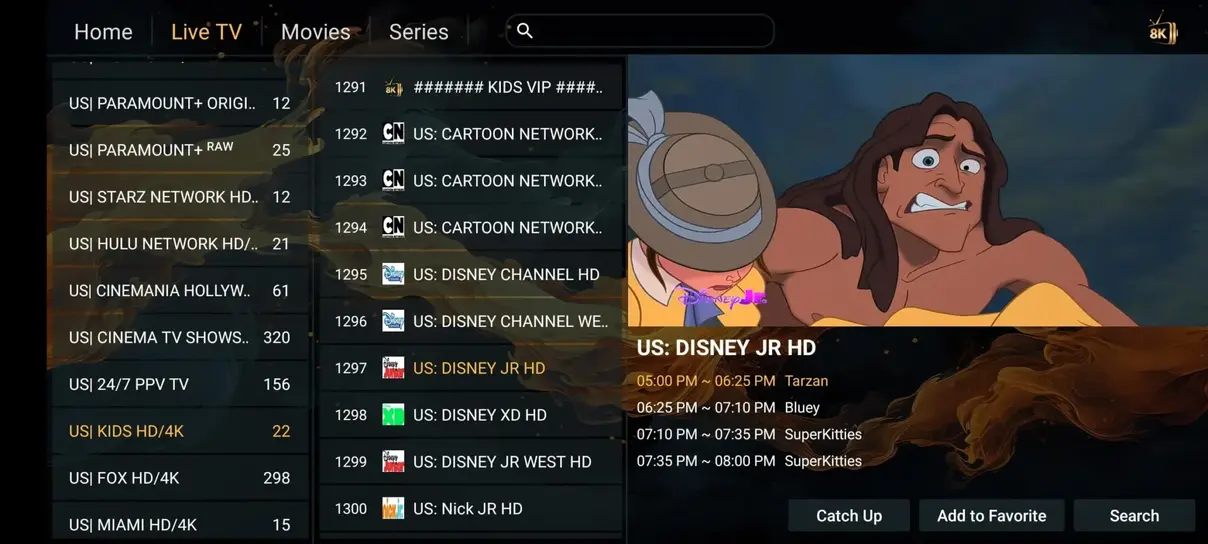
The Amazon Fire Stick 4K and Fire TV Cube are among the most capable and economical devices for experiencing high-bitrate European IPTV. In this comprehensive walkthrough, our technical specialists will guide you through setting up Downloader, installing your media player, and connecting your Eternal iptv credentials in under three minutes.
Because premium IPTV players are installed directly from verified APK mirrors, you must first enable sideloading permissions:
Open the Amazon Search tool, type "Downloader", install the official orange application, and grant it storage permissions when prompted.
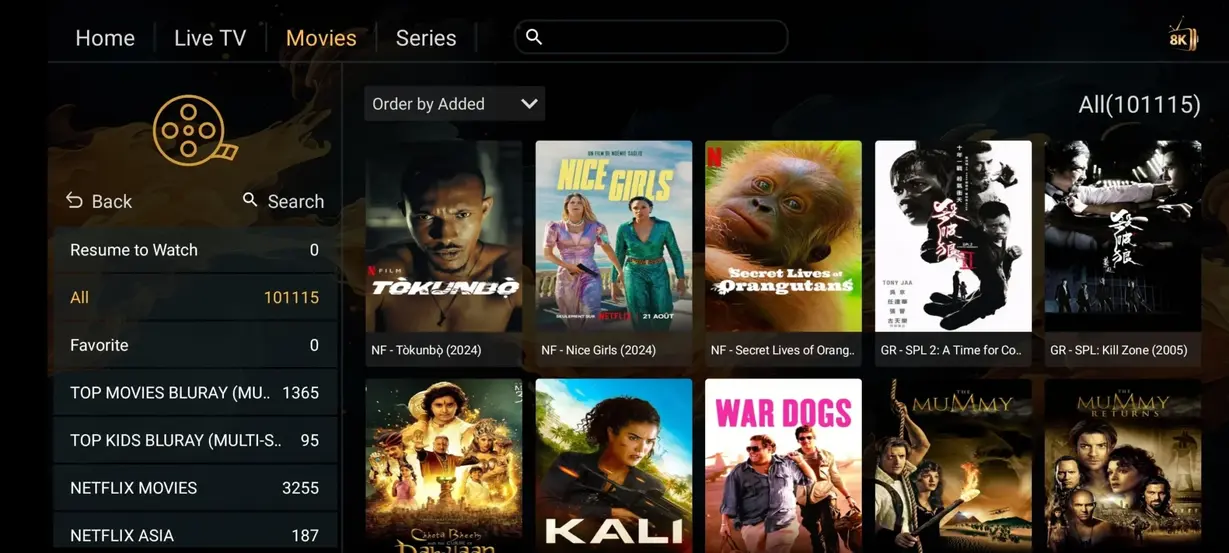
Inside the URL bar of Downloader, enter the direct download code for IPTV Smarters Pro. Once installed, open the app, choose "Login with Xtream Codes API", and enter the login credentials sent to your WhatsApp upon ordering your Eternal iptv subscription plan.
Navigate to Settings → Stream Format inside the app and set it to HLS (.m3u8) for instantaneous channel switches and zero lag during major live football matches.
Activate your 1 to 6 screen package now and receive instant setup assistance via WhatsApp.
Choose Your Subscription Plan →